Know Your Tickers
This article is written for users in the US.
How much does your personal finance software know about the commodities (let’s call them tickers henceforth) in your portfolio? For example, does it know the full name of a ticker to begin with?
Here are some examples of static pieces of information you might find handy to have about a ticker:
- its full name
- a description of the fund
- the type of fund (stock / ETF / mutual fund, etc.)
- the geographical market it is in
- ISIN
And some dynamic pieces of information:
- the last dividend date and payout
- YTD returns
- PE ratio
- 52 week low/high
- its current price, of course
How can you automatically populate this metadata? You could look up any of this any time
you want, online. So why bother feeding Beancount with this data? Because there is a
subset of this information that each of us frequently wants to have handy when looking
at our finances in Beancount or Fava. That is where ticker-util helps.
ticker-util ships with fava-investor and
uses yfinance to look up this data, caches it
locally, and annotates your Beancount commodity declarations with this data.
Tip: did you know that when you hover over a ticker in Fava, it displays the ticker’s
full name, which Fava obtains from the name: metadata of the ticker’s commodity
declaration? ticker-util can fill this metadata automatically for you.
This article covers the basics of ticker-util. ticker-util reads your Beancount
source file, and can annotate the commodity entries with the metadata you want. It works
best if you maintain your commodity declarations in a separate Beancount file, and
include it in your Beancount source, like so:
include "commodities.bc"
2000-01-01 commodity AAPL
This allows your commodities.bc to be auto-generated on demand by ticker-util.
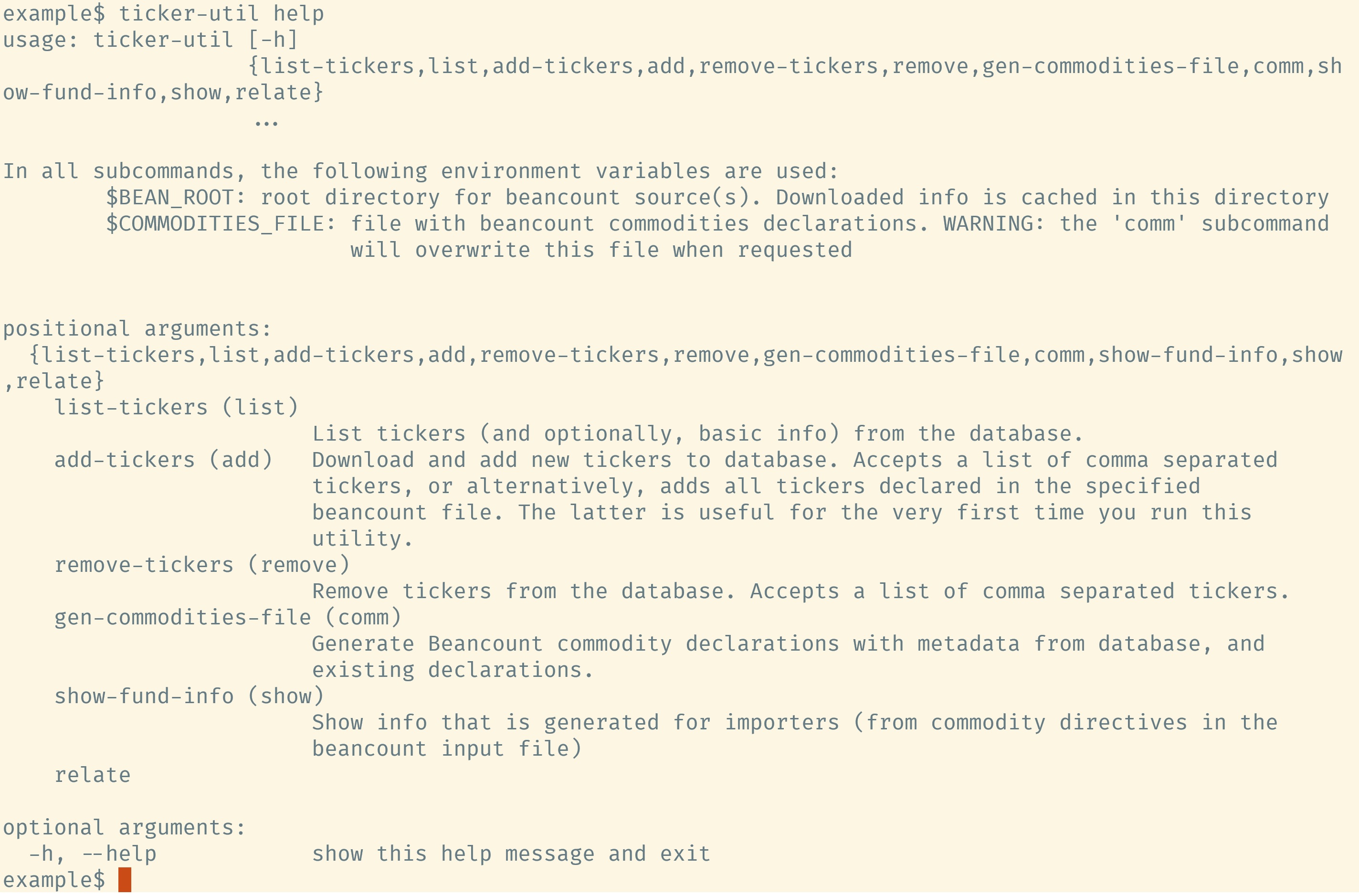
ticker-util has these basic subcommands:
addremovelistgenerate-commodities-file
They do exactly what you might imagine. A screen capture demonstrates:
Try it out: List of commands used in the demo above
Initial `commodities.bc`:2000-01-01 commodity AAPL
2000-01-01 commodity FXAIX
2000-01-01 commodity VTIticker-util list
ticker-util add --from-file --cf commodities.bc
ticker-util list -i
export BEAN_COMMODITIES_FILE=commodities.bc
ticker-util add --tickers VTSAX
ticker-util list -i
ticker-util gen-commodities-file
ticker-util gen-commodities-file --metadata quoteType,longName,beta,morningStarOverallRating
confirm-overwrite
cat commodities.bcAs you can see above, ticker-util can download a information for a list of tickers
(that you specify or that are declared in your commodities file) via yfinance, cache
them locally, and then generate a commodities file based on them. The commodities file
before ticker-util ran looked like this:
2000-01-01 commodity FXAIX
ticker-util annotated that line with the following metadata:
2000-01-01 commodity FXAIX
  a__annualReportExpenseRatio: "0.01"
  a__isin: "US3159117502"
  a__quoteType: "MUTUALFUND"
  name: "Fidelity 500 Index Fund"
All auto-annotated metadata keys begin with a__ (you can change this with --prefix).
The exception is name, which is named so because Fava looks for this key to
display the commodity name on hovering.
Hover over the ticker symbols on this page.
But surely, we did not go through all this trouble just so you can see the name of a fund on hovering? Of course not. In future articles, we will see:
- how you can display all this metadata meaningfully in Fava
- how to make importing a tad bit easier
- how to Relate Your Tickers and use Beancount to perform interesting analyses
- how to use this for tax loss harvesting
- how to use this for asset allocation
- how to use this to get scaled fund prices based on their current ETF prices